Sometimes, you may wish to re-open a closed ticket.
To re-open a closed ticket, navigate to the Admin Dashboard. You need to be logged in to access the dashboard. Logging in will automatically redirect you to this page. If already logged in, you can access the dashboard via the website footer.

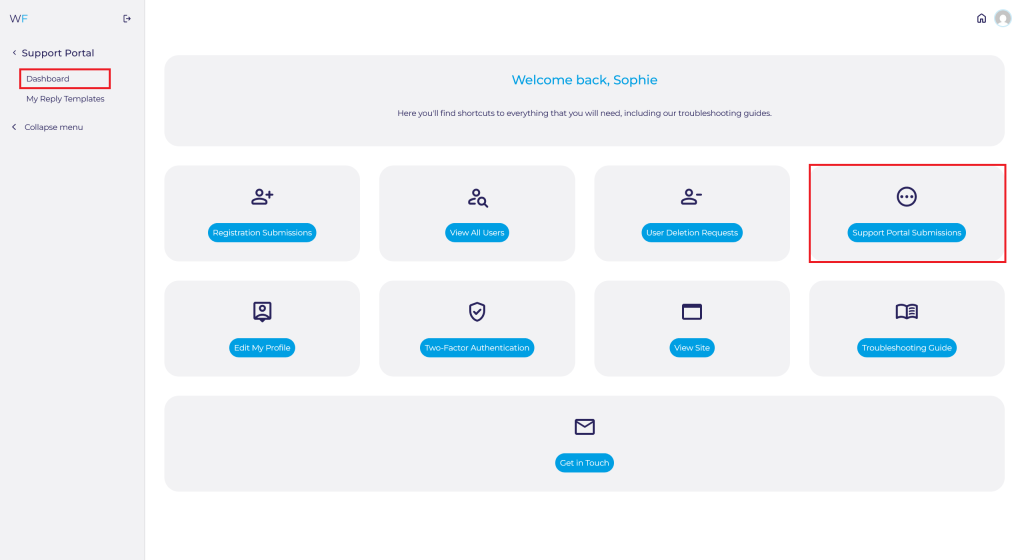
Navigate to the Support Portal Submissions on the Admin Dashboard quick access shortcut or via Support Portal ➟ Dashboard via the side panel.
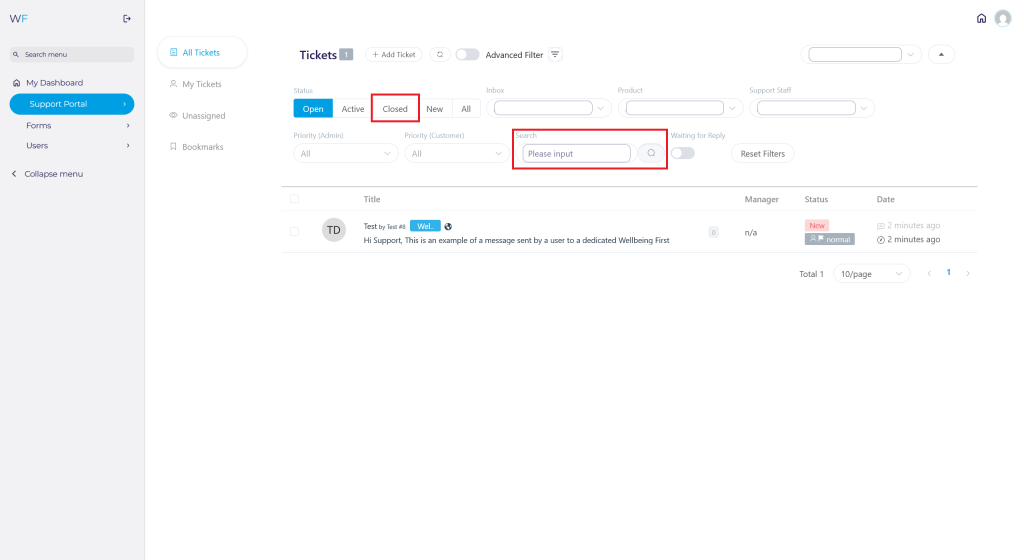
Select the Closed tab to view all closed tickets and find the ticket you are looking for. You can also search for the ticket using the Search input
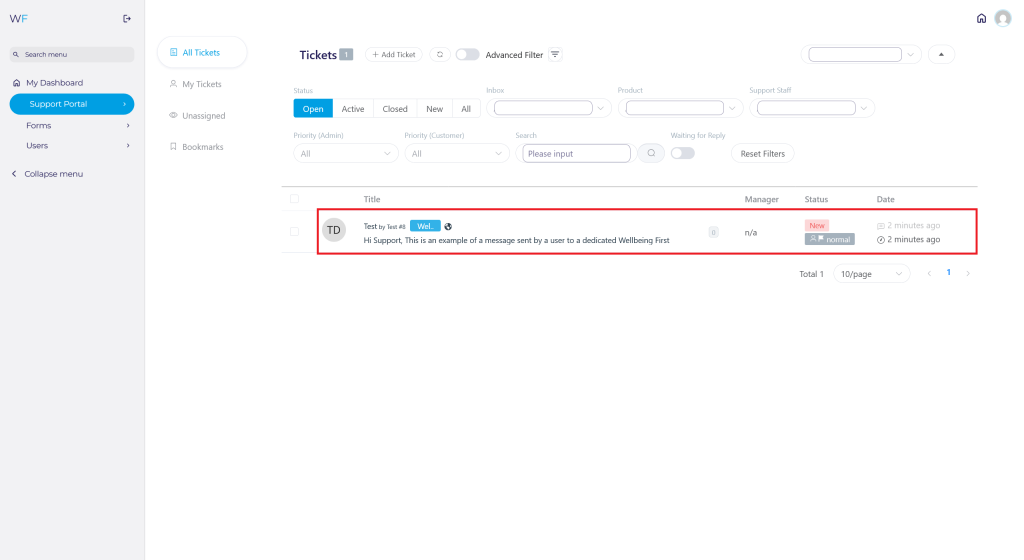
Once you have found the ticket you want to re-open, click anywhere on the row of the submission. The closed ticket will open up in a new window.
From this new window, you can re-open the ticket by selecting the Reopen This Ticket button.
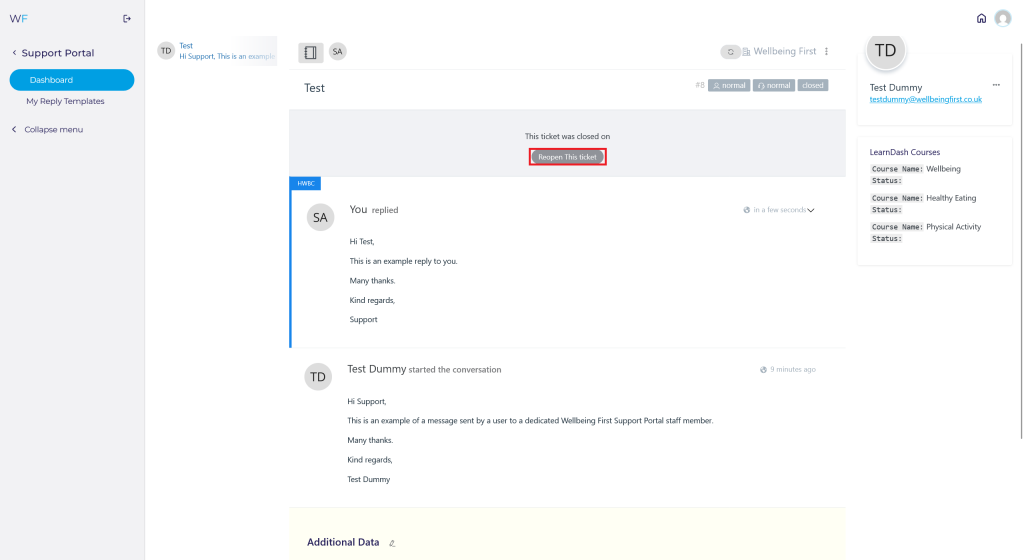
Once selected, the ticket will be re-opened.
