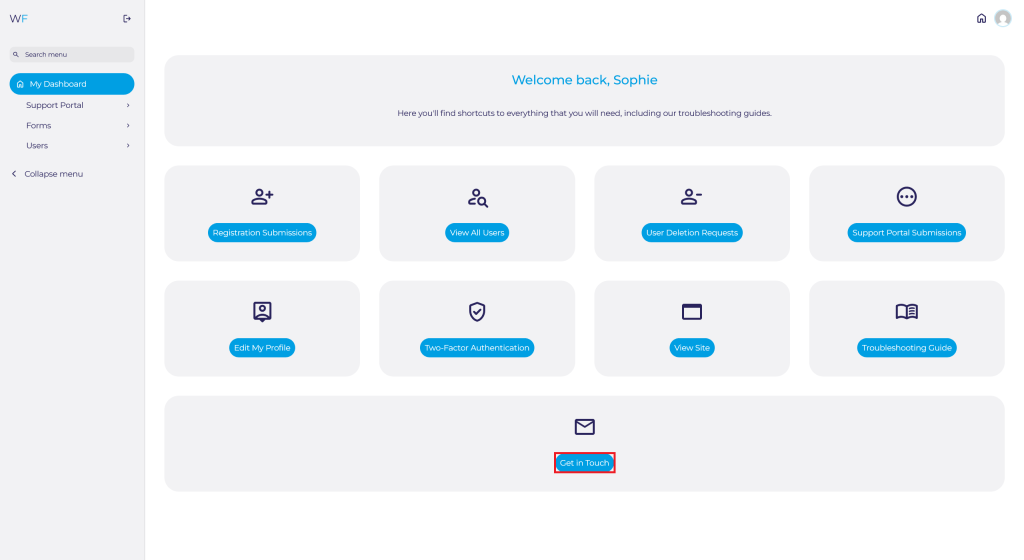
Navigate to the Admin Dashboard. You need to be logged in to access the dashboard. Logging in will automatically redirect you to this page. If already logged in, you can access the dashboard via the website footer.

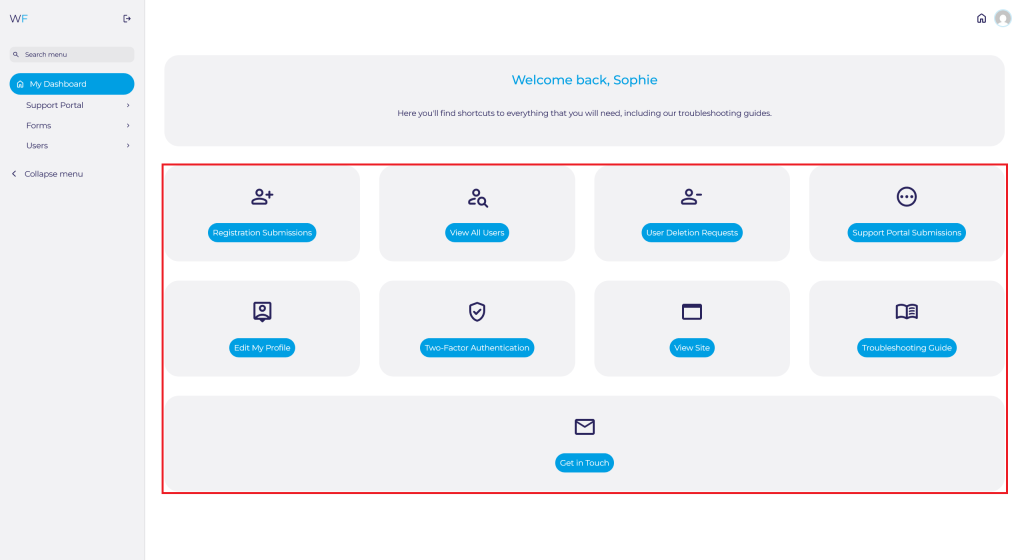
Find useful quick access shortcuts here:
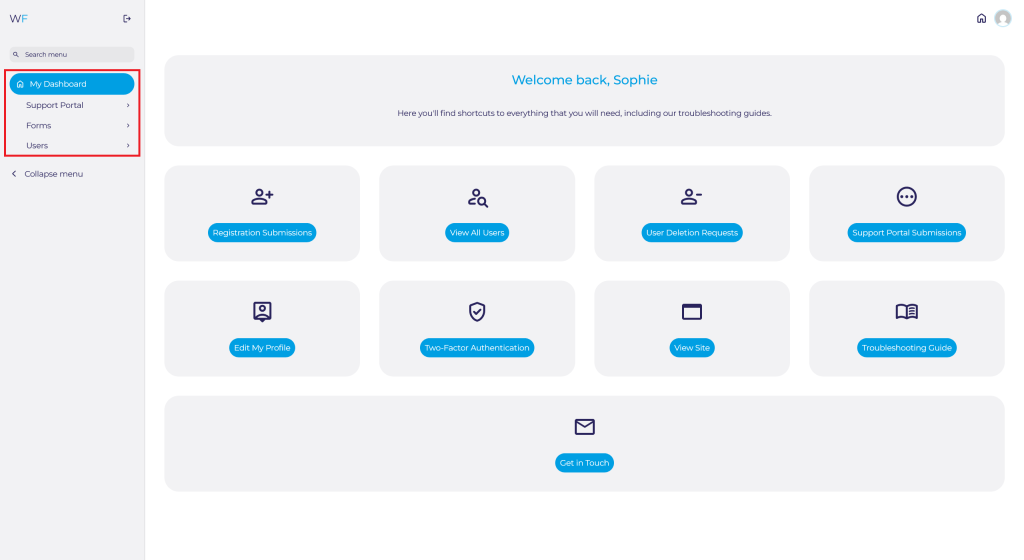
Find the menu and sub-menu by clicking on the links here:
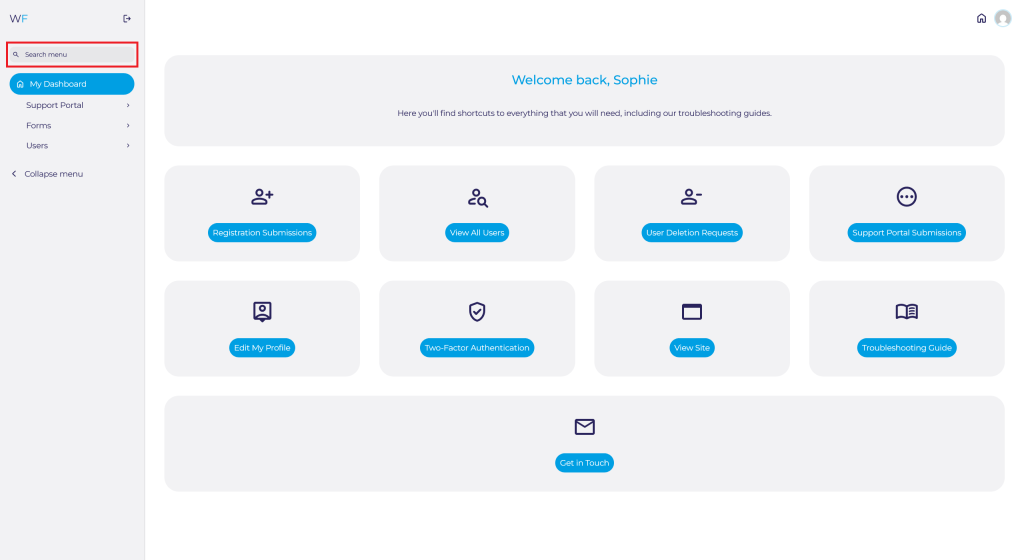
Search the menu and sub-menu here:
Collapse the side panel here to give you more space:
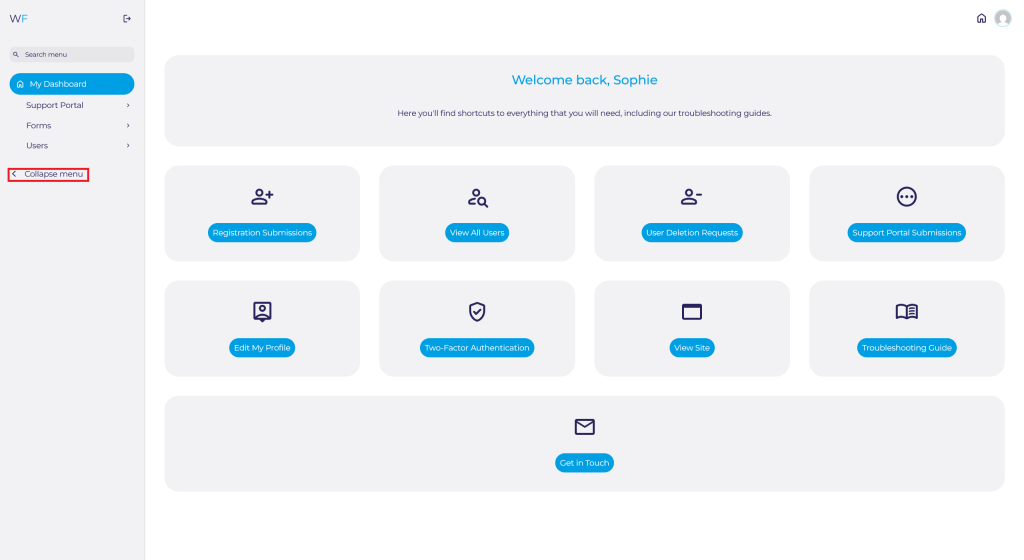
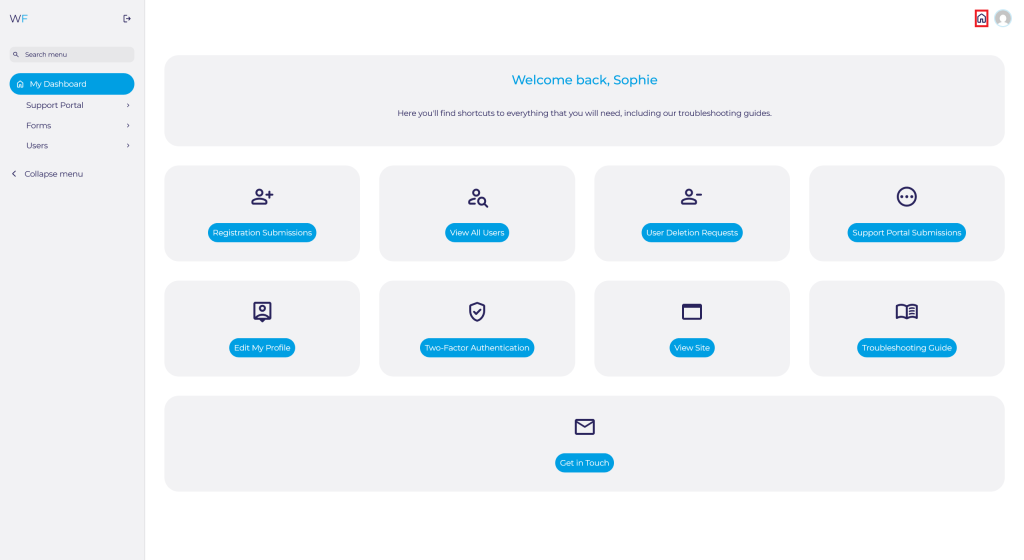
To view the site, you have two options. You can either click the highlighted home icon in the top right-hand corner of the image below:
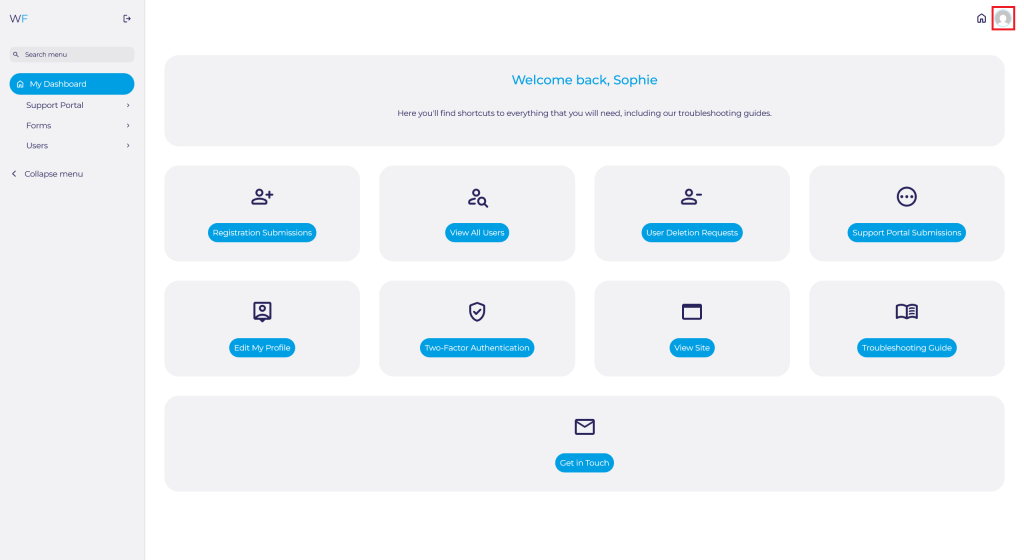
Or you can navigate to the user icon in the top right-hand corner of the image below:
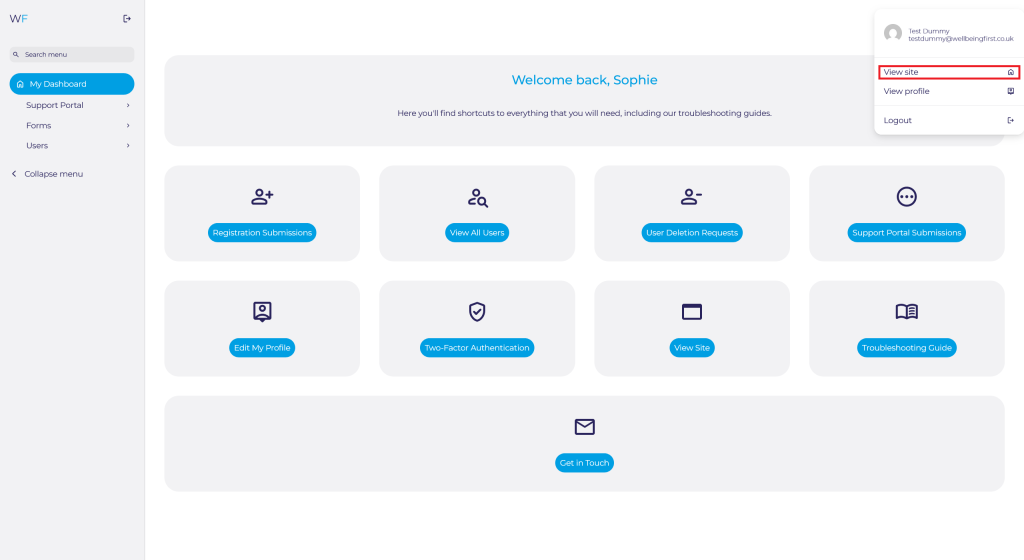
Then select View Site:
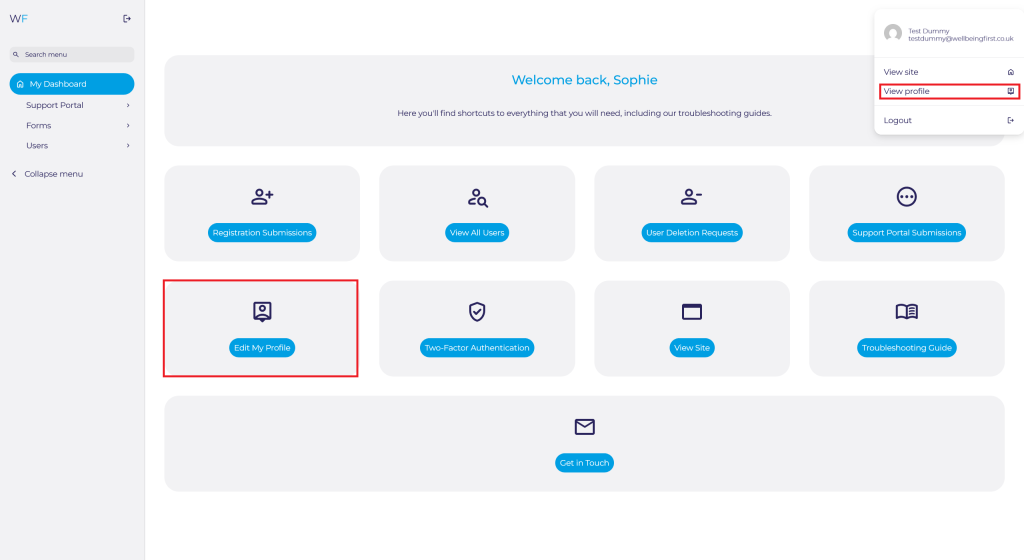
To edit your profile/account, you have two options. You can either click the highlighted user icon in the top right-hand corner of the image below:
Then Select View Profile from the menu. Or you navigate to the Edit My Profile button in the quick access shortcuts:
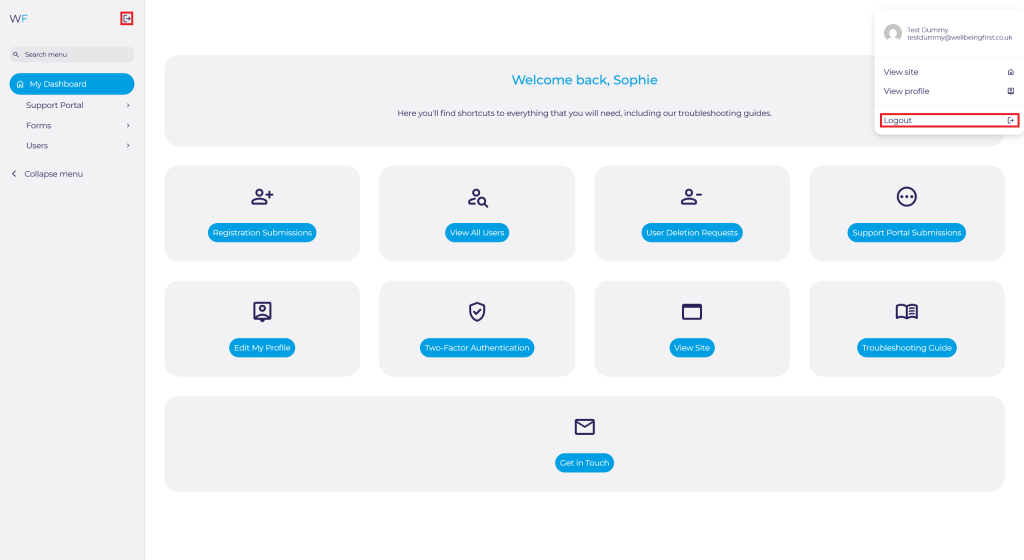
To logout, you have two options. You can either click the highlighted user icon in the top right-hand corner of the image below:
Then Select Logout from the menu. Or you navigate to the logout icon in the side panel:
If you have any other questions or need to get in touch via email, click the Get in Touch button in the quick access toolbar. This will automatically open up your email ready to compose a new message to Wellbeing First Admin: