Navigate to the Admin Dashboard. You need to be logged in to access the dashboard. Logging in will automatically redirect you to this page. If already logged in, you can access the dashboard via the website footer.

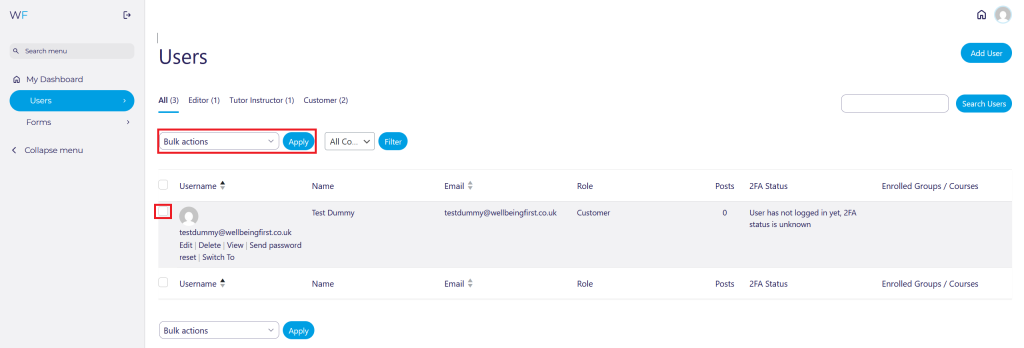
Navigate to Users on the Admin Dashboard via the side panel or quick access shortcut.
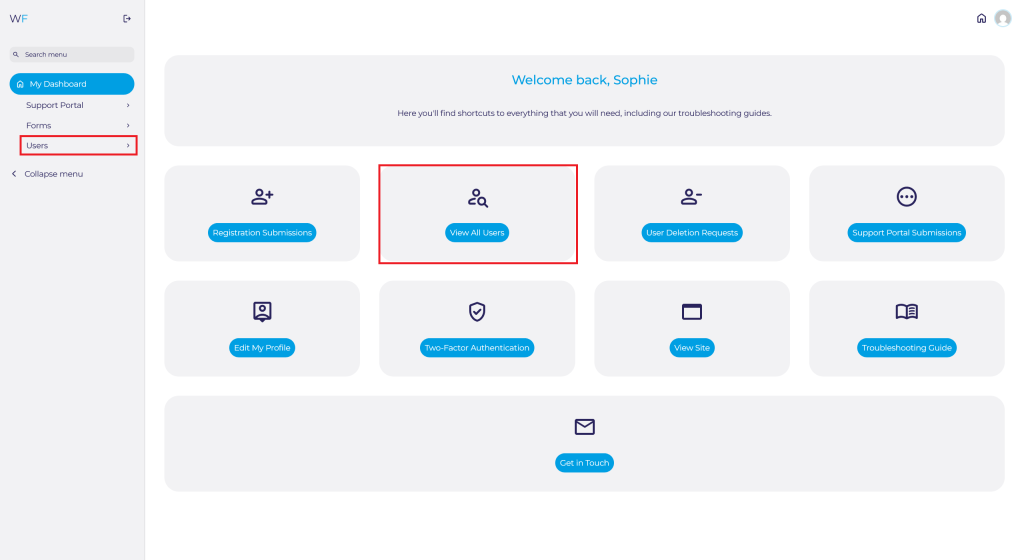
Search for the User you are looking for and select Delete.
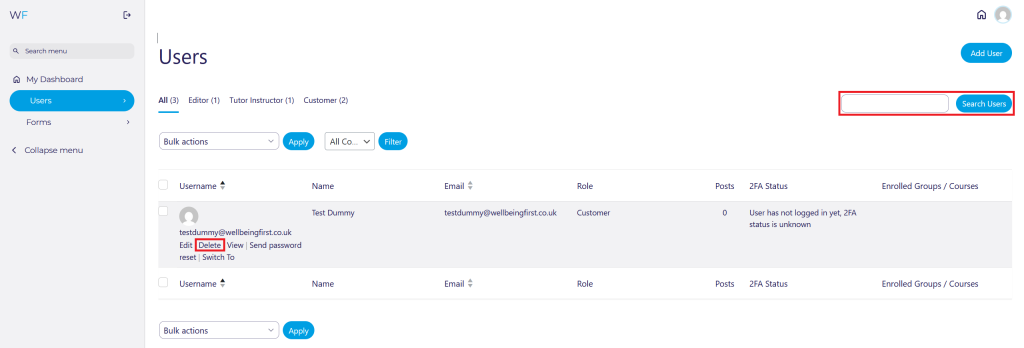
Click Confirm Deletion. Please note that this is permanent.
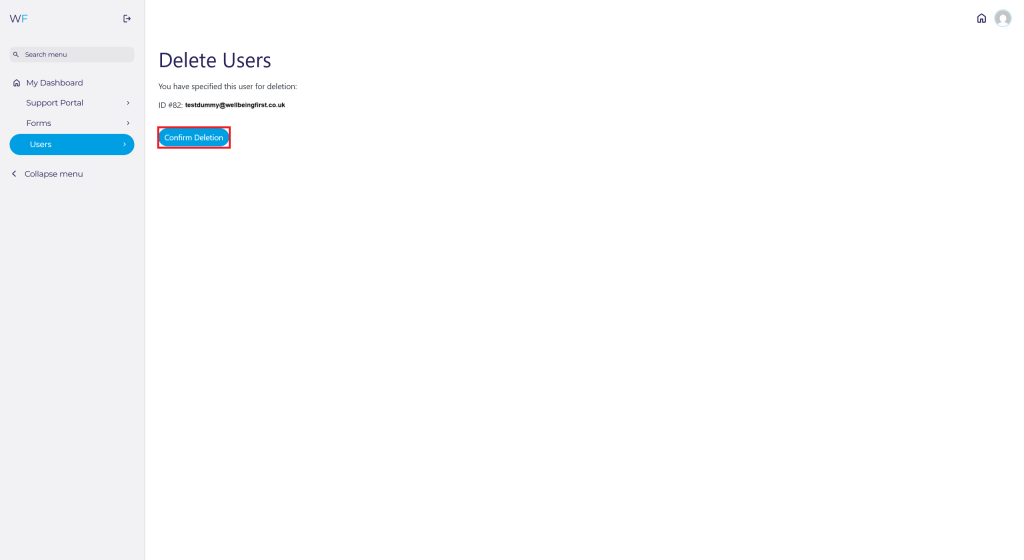
To delete multiple users at once, tick the box of the users you want to delete. Select the Bulk actions dropdown. Select Delete from the list and then click the blue Apply button.